Build your business.
Four simple steps.

Hover over a chapter to open itTap a chapter to open it

Preview library

See what you can build.

Websites, stores, CRM and more. Explore the tools before you choose your starting point.

All templates

Illustrative product preview · Sample data

From your brief to your website.

Describe the business, review the page structure and shape the design with AI.

Explore tool
How it works
  1. Describe your business and the pages you need.
  2. Review the draft, then edit the copy and layout.
  3. Connect your domain when the website is ready.

Illustrative product preview · Sample data

Your collection. Ready to sell.

Create the storefront and keep the products, checkout and resulting orders together.

Explore tool
How it works
  1. Add products, prices and stock information.
  2. Review checkout, shipping and payment setup.
  3. Track orders and customers in the store workspace.

Illustrative product preview · Sample data

Track a deal

See which enquiries need a reply, which proposals are out and which deals are won.

Explore tool
How it works
  1. Import contacts or collect enquiries through a form.
  2. Create deals and review their stage and owner.
  3. Assign the next task and keep the conversation close.

Illustrative product preview · Sample data

Build a workspace

Give a team a login and a dashboard for its projects and members.

Explore tool
How it works
  1. Describe the software and who will use it.
  2. Review the proposed plan before starting the build.
  3. Build the pages, sign-in, admin area and database.

Illustrative product preview · Sample data

Collect a project brief

Ask about the project, collect contact details and send the enquiry to your team.

Explore tool
How it works
  1. Start with a form template or describe your fields.
  2. Review the questions and share the public link.
  3. Bring submissions into your CRM as contacts.

Illustrative product preview · Sample data

Book a studio visit

Let clients choose an available time from your booking calendar.

Explore tool
How it works
  1. Choose a duration, availability and location.
  2. Review the calendar setup and public booking page.
  3. Share the link and manage the resulting bookings.

Illustrative product preview · Sample data

Send a welcome series

Welcome a new contact, send an email and schedule the next follow-up.

Explore tool
How it works
  1. Start from a ready-made template, such as a new-contact welcome.
  2. Review and edit every step in the workflow builder.
  3. Check your sending setup, then activate and review results.

Illustrative product preview · Sample data

Answer a customer

Answer a shop question and point the visitor to the booking page.

Explore tool
How it works
  1. Set the welcome message and suggested questions.
  2. Add your data sources and test in the playground.
  3. Review channel settings before publishing the bot.

Illustrative product preview · Sample data

Behind every order.

Keep the catalog, inventory, orders and promotions close to your storefront.

Explore tool
How it works
  1. Prepare your product catalog and inventory.
  2. Check payment and shipping settings for your store engine.
  3. Review orders, customers and promotional codes.

Payment options depend on your commerce platform and payment provider.

Illustrative product preview · Sample data

One launch. Four ways to create.

Prepare the visual, the sales document and the video around the same product idea.

Explore tool
How it works
  1. Choose the output: product imagery, a document or a video.
  2. Provide a brief and review the proposed direction.
  3. Check the result before using it in your campaign.

Generation allowances vary by plan. Try-On requires an eligible product image.

Illustrative product preview · Sample data

Give your next post a plan.

Draft the words, prepare the design and review your publishing schedule in one social workspace.

Explore tool
How it works
  1. Write the post or explore the AI writing tools.
  2. Review the design and connected destination.
  3. Keep it as a draft or choose a posting workflow.

Publishing requires a supported connected social account.

Illustrative product preview · Sample data

Find the next page to improve.

Move from a site audit to a specific page, then track the changes over time.

Explore tool
How it works
  1. Run or review a site audit.
  2. Work through the page-level suggestions.
  3. Return to the audit history to compare progress.

Tools help you review and improve your pages; search rankings are not guaranteed.

Illustrative product preview · Sample data

A place for your customers to return.

Let customers sign up, send a work request and track its status from your own website.

Explore tool
How it works
  1. Review the login and signup experience on your site.
  2. Receive customer work requests in the Portal workspace.
  3. Update a request’s status so the customer can follow it.

Orders and available portal features depend on your website and store setup.

Illustrative product preview · Sample data

Turn what you know into a course.

Build a course or members-only area, with modules and lessons your audience can come back to.

Explore tool
How it works
  1. Describe the experience you want to offer.
  2. Review the modules, lessons and your content.
  3. Prepare the member portal before publishing.

Illustrative learning flow. Your own course content appears in the member portal.

Choose your website’s look.

All templates
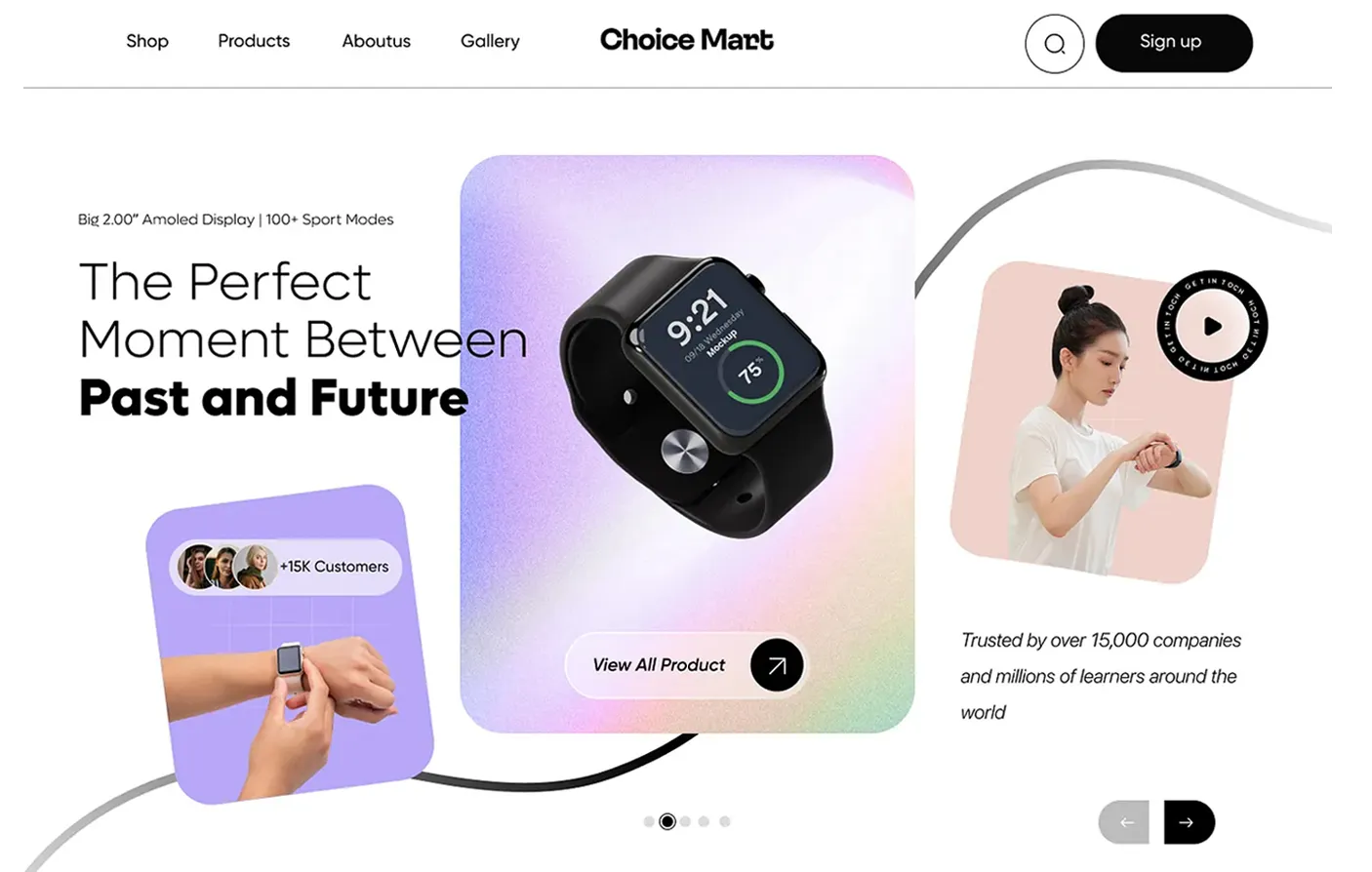
Electronics storefront with a featured smartwatch

Choice Mart

Restaurant website with a dark menu and sushi photography

Bamzi

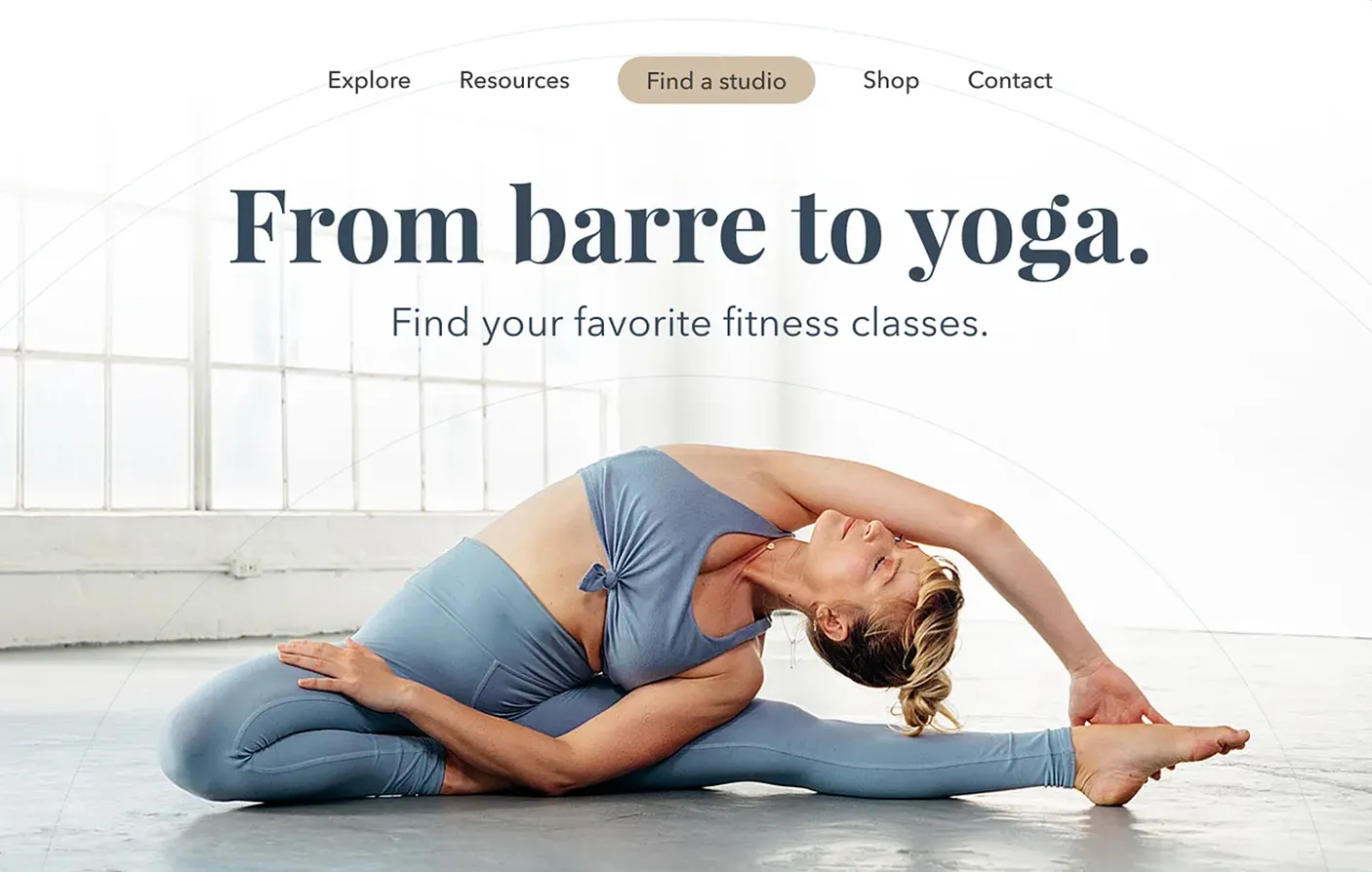
Fitness studio website with a class booking design

Movement studio

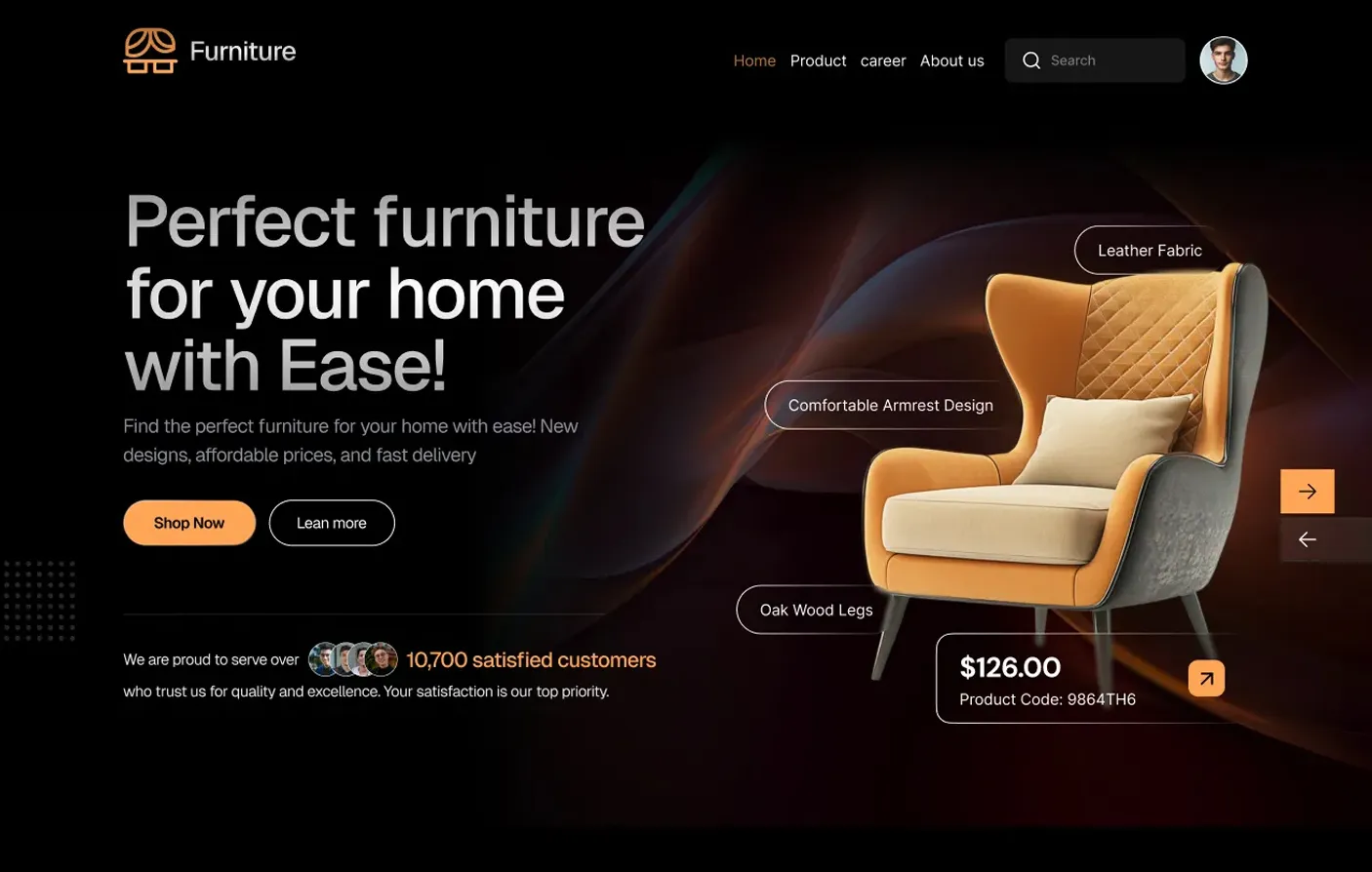
Furniture storefront featuring a sculptural lounge chair

Furnix

Skincare storefront with a lavender product display

Orvélia

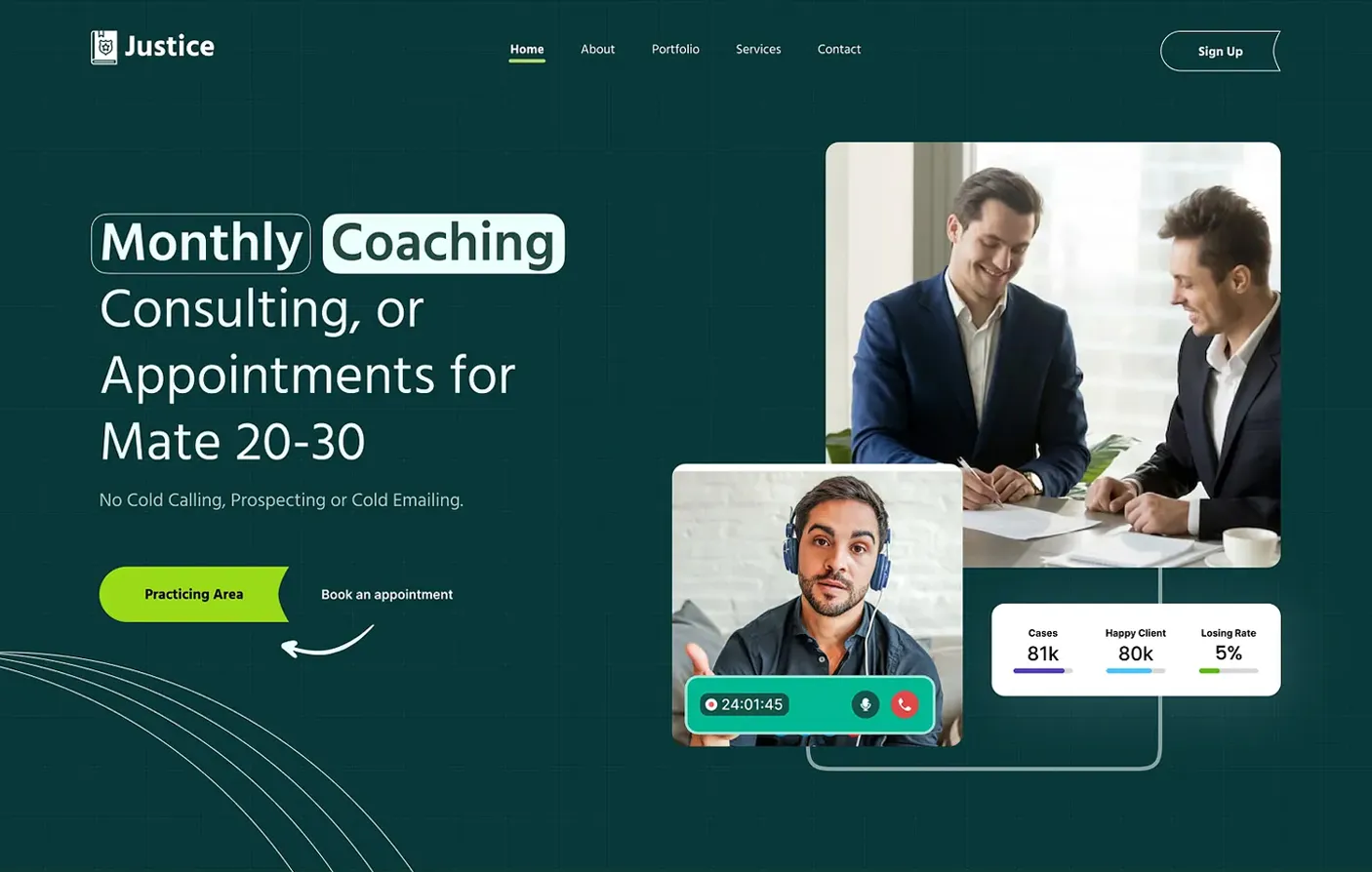
Coaching website with consultations and appointments

Justice

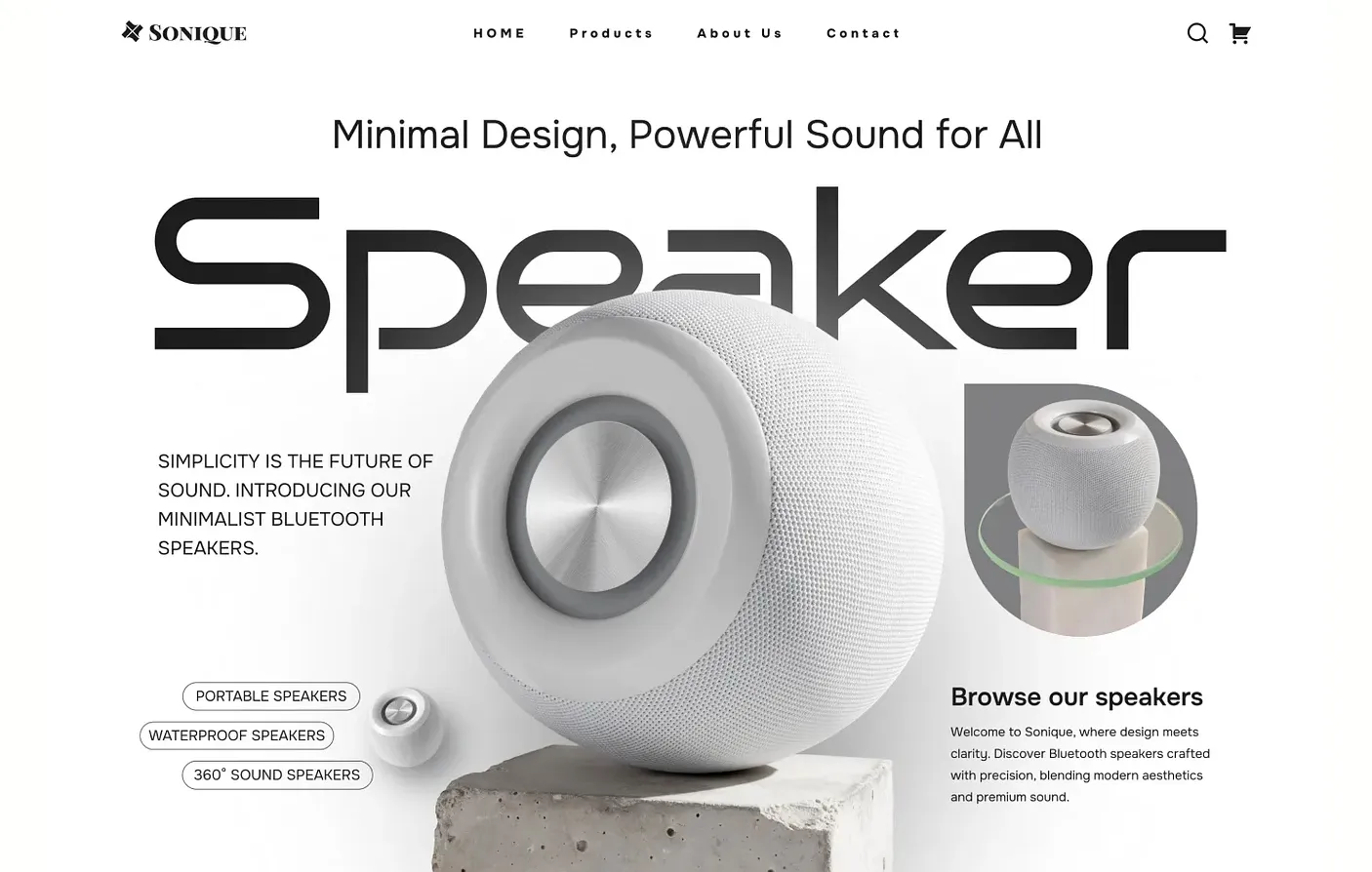
Audio storefront featuring wireless speakers

Sonique

Clinic website with specialists and appointment booking

Medify

Website templates

Find your starting point.

Choose a template.
Make something of your own.

The inspiration room

Fresh ideas.
New possibilities.

A starting point for whatever’s next.

Explore templates
webnewbiz / inspiration
webnewbizInspiration
Template in motion01 / 08

Fashion & apparel

Made to stand out

More to explore

Illustrative website demos.

WebNewBiz Cinema

Restaurant & café · Template preview

After hours

Step inside a café website built around the menu, the room and the next reservation.

Preview library

After hours

Explore templates ↗

Already online?

If you’re moving to WebNewBiz, start with the part of your business you want to bring over.

Inside a design studio

From first enquiry
to paid project.

Follow one branding project
through six everyday tools.

Keep scrolling →
01 / FORMS
Studio NorthIntake form
Project enquiry
Client
Alder Coffee
Project
Brand identity
Budget
$2,400
Received

Capture the brief.

Alder Coffee shares its branding brief and budget through the studio’s form.

↗
02 / AI CRM
Client pipelineStudio North
New enquiry
Qualified
Alder CoffeeBrand identity$2,400
Proposal

Give the lead a next step.

The studio adds Alder to its pipeline and schedules a discovery call.

↗
03 / BOOKINGS
TUESDAY17NOVEMBER
Studio North × Alder CoffeeDiscovery
call
10:00 – 10:30 AM30 minutes · Video call

Book the discovery call.

Alder picks a free half-hour from the studio’s booking calendar.

↗
04 / SALESKIT
Studio NorthProject proposal
Alder Coffee
Brand identity
Logo suite / Brand guide$2,400

Put the scope in writing.

The studio uses SalesKit to draft a proposal for the identity and brand guide.

↗
05 / INVOICING
Studio NorthInvoice 014
Invoice
Billed to Alder Coffee
Logo suite
$1,800
Brand guide
$600
Total due$2,400

Invoice the agreed fee.

Alder’s invoice lists each deliverable and the amount due.

↗
06 / AUTOMATION
Client follow-upWorkflow
✓
TriggerInvoice paid
↗
ActionSend thank-you email

Send a follow-up after payment.

The studio sets up a thank-you email for when Alder settles the invoice.

↗

Business tools

Inside your workspace.

Keep customer work moving, with your brand and everyday tools close at hand.

Browse services

Service directory

Find the tool for the job.

Choose a task to see how it works and open its service guides. Available tools depend on your plan and website type.

Websites & design

Publish a website that fits your business

Describe the pages you need or import a supported site. Use the builder to revise the draft and Brand Kit to set its visual identity. Agencies can switch between sites in the workspace.

Creative & sales materials

Prepare the assets for a launch

Place a product in a lifestyle scene with AI Mockups. Review a script before rendering a short video, or give SalesKit a brief for a brochure, proposal or pitch deck.

Online store

Take a product from listing to order

List products with stock levels or sell a service package at a set price. Track discounts, orders and customer payments. Payment setup depends on your store platform. Eligible products also support photo-based virtual try-on.

Customers & bookings

Turn an enquiry into a booked job

Share a quote form to capture a contact. Offer a booking link, assign a follow-up and track the deal through your pipeline. Use the billing workspace for quotes, invoices and subscriptions.

Email & social media

Plan a campaign and handle the replies

Connect a social account, draft a post and give it a slot on the content calendar. Use CRM email campaigns and workflows for follow-ups, then review performance in the social dashboard.

Search & performance

Find the pages that need attention

Run a site audit, review page scores and use the suggested fixes to update titles and content. Website Booster covers image optimization, CDN delivery and WordPress database cleanup.

Domains & hosting

Keep your live website running

Connect a domain, make a backup before a change and test it in staging where supported. Set a redirect when a page moves. Check resource usage and error logs when something goes wrong.

Software & workspace programs

Explore the other workspace tools

SaaS Builder starts with a software brief and a plan for the pages, sign-in and database. The workspace also lists the referral program. App Builder is marked coming soon.

Search all services

Storefront details

Give your productsa place of their own.

Open a design to see how a brand presents its collection.

A business walkthrough

Launch a studio.
Book the first class.

Follow a fitness studio from its first website draft to a customer’s next visit.
Compare plans ↗

01

Launch your website

webnewbiz
Your websiteYour brand
01Your
website

A home for your business.

Start with
Ask the builder for a class timetable, an instructor page and a booking page.
Make it yours
Review the class descriptions and edit the draft with AI.
Go live
Connect the studio’s own domain when the pages are ready.
02

Open your online store

webnewbiz
Online storeYour collection
02Your
store

Make room for what you sell.

Your collection
List mats and studio merchandise with prices, photos and stock levels.
Your checkout
Create a discount code for the opening week.
Your business
Check which orders are paid and ready to fulfil.
03

Keep your customers close

webnewbiz
BookingsCustomer connections
03Your
connections

Make every conversation count.

Your people
Use a form to collect enquiries about private classes.
Your calendar
Set a session length and share the instructor’s available times.
All connected
Assign a follow-up task to the instructor after the first session.
04

Grow your audience

webnewbiz
Email & socialYour voice
04Your
audience

Keep your business in the conversation.

Your message
Draft a post announcing the studio’s new evening class.
Your channels
Schedule it on the social calendar for a connected account.
Stay connected
Send the timetable to students who signed up for class updates.
05

Help people find you

webnewbiz
Search & SEOYour reach
05Your
reach

Make your next introduction.

Your pages
Run an audit and open the page for beginner classes.
Your content
Review the suggested title and mention the class location.
Keep improving
Compare later audit scores in SEO History to see what changed.

ILLUSTRATIVE STORIES

In a business owner’s words.

Four examples of what owners want from their websites.

Explore the plans
My website finally feels like me.
Creative businessSample review
From first idea to my very own store.
Online storeSample review
Everything I need, in one simple place.
Independent businessSample review
A fresh look for my next chapter.
Personal brandSample review

Illustrative characters & sample reviews for this design.

FAQs

Before you start.

Something else on your mind?
Talk to us ↗

Do I need to know how to code?+

No. Describe your business and the AI builder creates a starting point for your website. You can refine it with chat, or use the visual Design Studio on Starter and higher plans.

Can I use my own domain?+

Yes. Connect a domain you already own. Growth, Pro and Ultimate also include a custom domain for one year. Hosting and SSL are included on every plan.

Can I sell products on my website?+

Online store and checkout features start with Starter. You can create product pages and manage orders alongside your website.

What does the $1 offer include?+

The first month is $1. Monthly billing then starts at $19 for Starter. Compare the four plans for features and usage limits.

What happens when my business grows?+

Choose a higher plan when you need more tools or capacity. Growth adds CRM and bookings, Pro adds marketing and advanced SEO, and Ultimate includes the widest business toolkit.